Original Audio Preserved
The soundtrack, dialogue, and background audio are carried through untouched, so only the face changes.

Video Face Swap
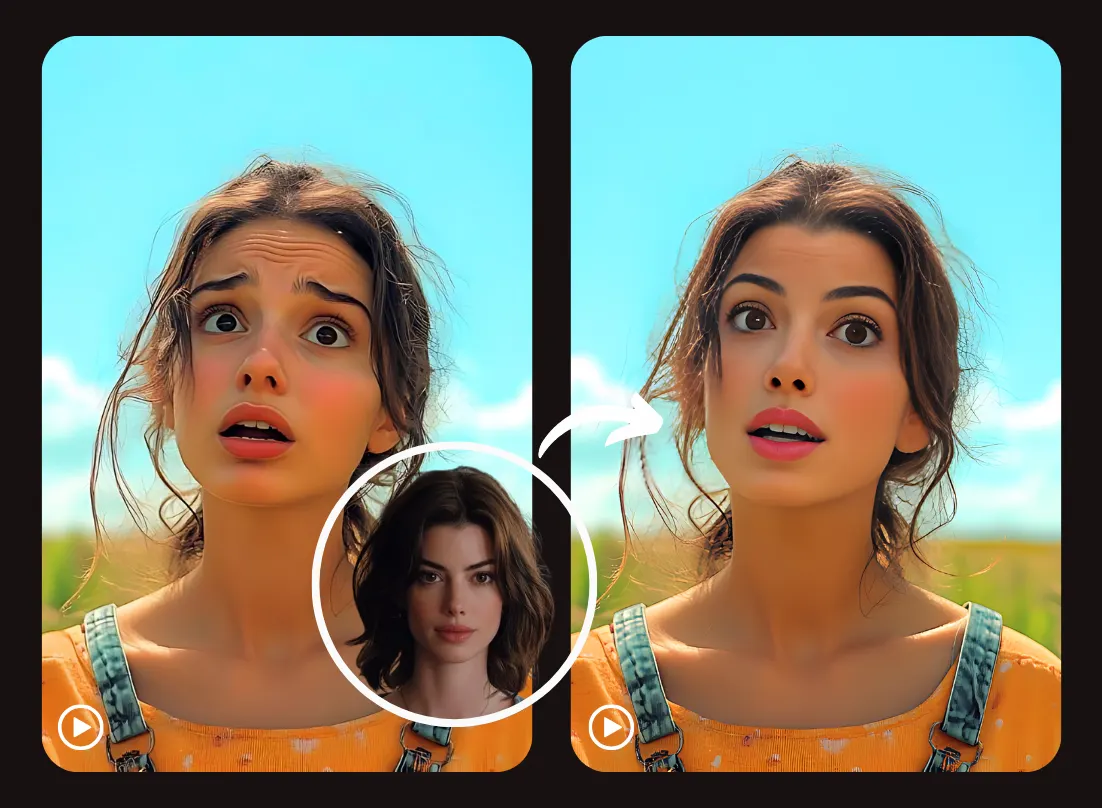
Upload a video and replace a face across the entire clip, including scene changes, camera moves, and talking shots. Original audio is preserved, so the result is ready to share as-is.
Input
Output
Example output
Drag or click to compare · Left: original · Right: result
Photo and GIF tools work on a handful of frames. Video needs continuity across minutes of footage, scene cuts, and changing camera angles.
Before

After

Before

After

Scene cuts, multiple speakers, camera pans, and long runtimes — the things that don't come up with a single photo or short GIF loop.
The soundtrack, dialogue, and background audio are carried through untouched, so only the face changes.

Detects cuts and camera angle changes so the swapped face re-locks correctly instead of drifting or disappearing at a cut.
Select and swap one or more people appearing throughout the video, even as they move in and out of frame.


Process clips well beyond a few seconds, from short social videos to longer uploaded footage.
Three steps — the tool processes the full timeline automatically, cut by cut.
Add the video you want to edit and the source face you'd like to apply throughout it.

Pick the person to swap. The tool tracks them across scenes, angles, and cuts automatically.

Watch the full result with original audio, then export the finished video ready to share.

A few of the most common reasons people swap faces in full videos specifically.
Personalize a trending video clip for social platforms while keeping the original sound and pacing.
Drop a friend's face into a short comedy or parody clip for group chats and shared laughs.
Swap the presenter's face in a recorded talking-head video while keeping the spoken audio in sync.
Recreate a moment from an event or vlog clip with a different face across the whole scene.
Keep a consistent swapped face across several cuts and locations within one longer video.
Turn a template video clip into a personalized greeting or gag by swapping in a specific face.
Common questions about swapping faces in full videos with SwapAnything.io.
Upload a video and get a natural face swap with the original audio kept, ready to export.